Using an alternative graphics userspace
The issue
On “desktop” Linux installations there are limited options for the graphics stack, and most systems will run with the “open” Mesa graphics drivers and/or Nvidia drivers.
The IoT world is a bit more varied, often with device specific drivers provided by the board manufacturer. Ubuntu Frame is designed to work with graphics stacks that provide KMS, libgbm and an EGL supporting EGL_WL_bind_wayland_display.
It does this by using a Snap “content interface”, gpu-2404, that allows alternative drivers providing the facilities to be used. By default, Ubuntu Frame will use the mesa-2404 implementation of this interface which provides the Mesa drivers from the Ubuntu 24.04LTS Archive.
The example
The default provider can be overridden in a number of ways. Manufacturers will ideally do this through a brand store; but, it can also be done “by hand” on a device and that’s what we will describe here.
First we need an alternative gpu-2404 provider. As you won’t have access to a brand store we will use a parallel installation of a backport of a more recent version of Mesa, which serves the purpose of illustrating this functionality.
Packaging graphics drivers as a snap isn’t something we discuss here. There’s details of the requirements in The gpu-2404 Snap interface, and the mesa-2404 snap can be used as a reference example.
Setup
For this example, I’m going to show the steps using a desktop Linux installation. If you are working on an Ubuntu Core device it is actually simpler as the snaps involved will be running automatically.
First install the following:
snap install ubuntu-frame
snap install wpe-webkit-mir-kiosk
snap connect wpe-webkit-mir-kiosk:wayland
snap set core experimental.parallel-instances=true
snap install --channel beta/kisak mesa-2404_kisak
Now (on desktop only) install Frame-it
snap install --classic frame-it
Frame-it is a utility to make it simpler running Ubuntu Frame from a desktop environment.
How to
You can see what’s connected to the gpu-2404 interface as follows:
snap interfaces | grep gpu-2404
mesa-2404:gpu-2404   ubuntu-frame,wpe-webkit-mir-kiosk
mesa-2404_kisak:gpu-2404  -
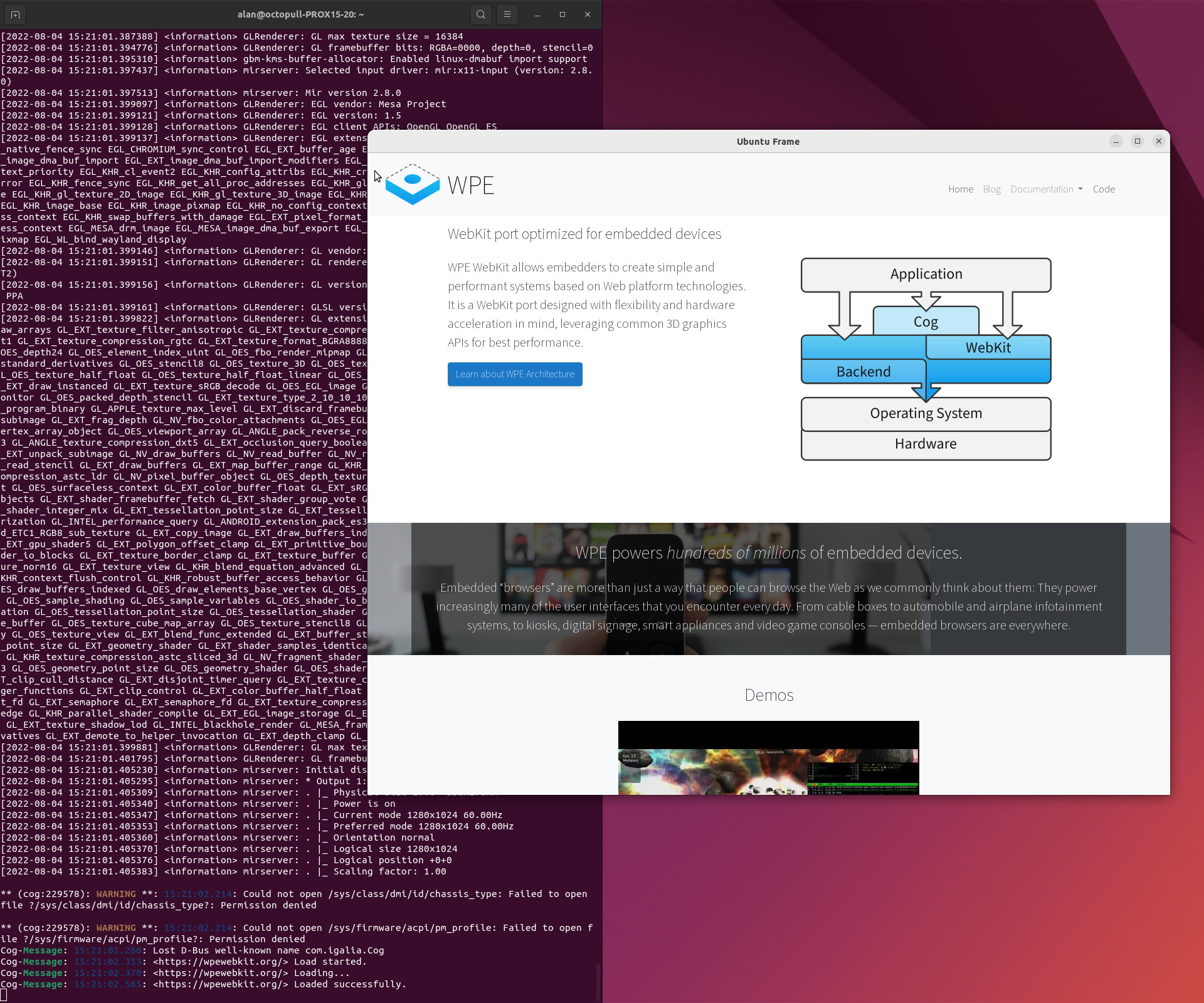
First check that things are working by running:
frame-it snap run wpe-webkit-mir-kiosk.cog
You can close this.
Next we can change switch the graphics provider:
snap disconnect ubuntu-frame:gpu-2404
snap disconnect wpe-webkit-mir-kiosk:gpu-2404
snap connect ubuntu-frame:gpu-2404 mesa-2404_kisak
snap connect wpe-webkit-mir-kiosk:gpu-2404 mesa-2404_kisak
And show the changes:
$ snap interfaces | grep gpu-2404
mesa-2404:gpu-2404   -
mesa-2404_kisak:gpu-2404  ubuntu-frame,wpe-webkit-mir-kiosk
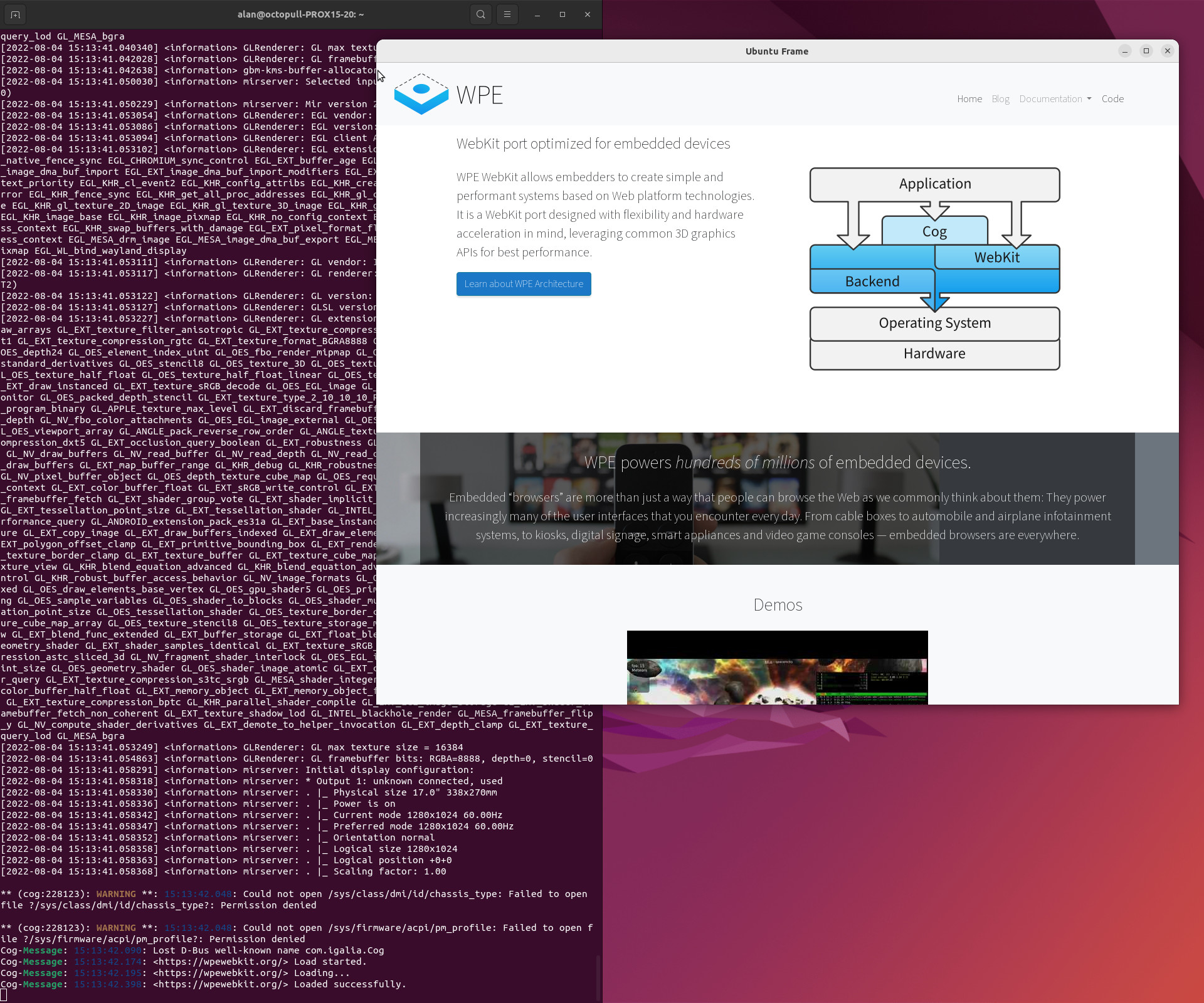
And prove that it still all works:
frame-it snap run wpe-webkit-mir-kiosk.cog